
InfoLabs: Software at your fingertips
You voted, and we heard you! We’re back with another article about InfoLabs. This month, we’re diving into the standard and special software offered in labs across campus.
Services
Most-viewed Service pages year-to-date — Google Analytics.
News
Essential information technology news and updates, delivered in a quick-read format.
-

InfoLabs: Software at your fingertips
You voted, and we heard you! We’re back with another article about InfoLabs. This month, we’re diving into the standard and special software offered in labs across campus.
-

Google Research Day
This workshop will highlight GCP services for managing infrastructure, machine learning, and Generative AI.
-
Virtual Office Hours with CIO Didier Contis
Fridays, 9:15am via Zoom. Unscripted conversations with our Chief Information Officer.
-

ITSM Tool Replacement Project update: Sprint 21
Get the latest on the IT Service Management Tool Replacement Project. The team has successfully delivered key improvements across several functional areas.
-
Building the UW Theme 2.0
How do you design a scalable, accessible and branded WordPress theme for thousands of creators with widely varying needs? The UW Theme Team will share insights behind their process and approach. Feb…
-

New guide clarifies which tools UW employees may use with student data
The Registrar’s new guide helps employees choose the right productivity tools when working with FERPA-protected student data.
-

Learn@UW Newsletter, week of Jan 30
What’s happening? Zoom in Canvas – Known issue: Non-Students in a course affect “Auto Record” Setting Learn@UW has become aware of a known issue with the Zoom integration in Canvas. In short,…
-

Smart Access January 2026 update
Smart Access work is active, focused on advancing Zero Trust with the tools we already have. Learn more about the current work and what’s next.
-
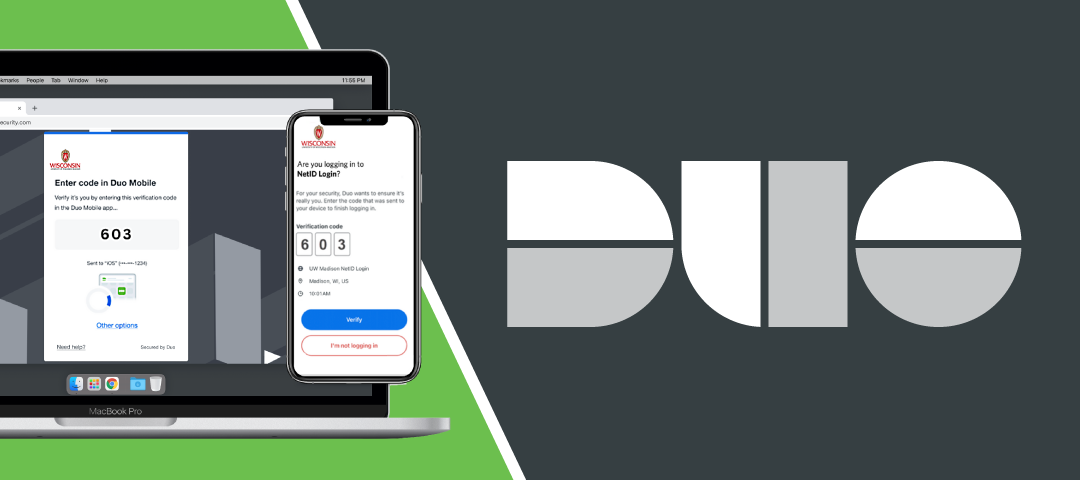
Update your Duo Mobile app by Mar 31
Older versions of the Duo Mobile app will not work for NetID login anymore after Mar 31. Update your app to ensure you keep access to essential university systems like email, Canvas,…
-
Inaugural World Usability Day celebration reaches across campus
From MyChart usability testing to “accessibility empathy stations,” learn how an interactive day at Morgridge Hall showcased the global movement for human-centered design.
-
Learn how to safeguard data during Data Privacy Week
You can‘t always control how information is gathered or shared, but you can control how you treat and protect information — at work and at home.
-

Enhancing Online Education spring programs
Designed for instructors teaching online and hybrid courses, this series explores foundational topics to promote student engagement and success.
Campus IT events
-
March
-
March 5
-
March 5
-
March 5
-
March 6
-
March 9
-
March 9
-
March 12
-
March 12
-
March 13
-
March 18
-
March 19
-
March 20
-